What does “Edit style” do?
Variations allow you to add any product to your avatar or simply edit any aspect of the picture, whether it is the color of a shirt, the position of the hands or the background.- if you have created a style your are 95% satisfied with, you can still edit it later within Argil
- you can develop a whole branding easily around your avatar
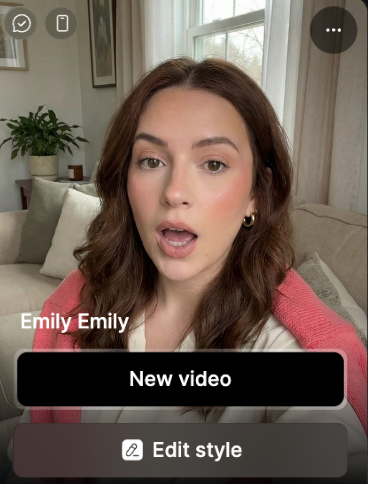
1) Click on edit style
2) Prompt the avatar changes
Ask in a natural languages the changes you want. You can go into a lot of details.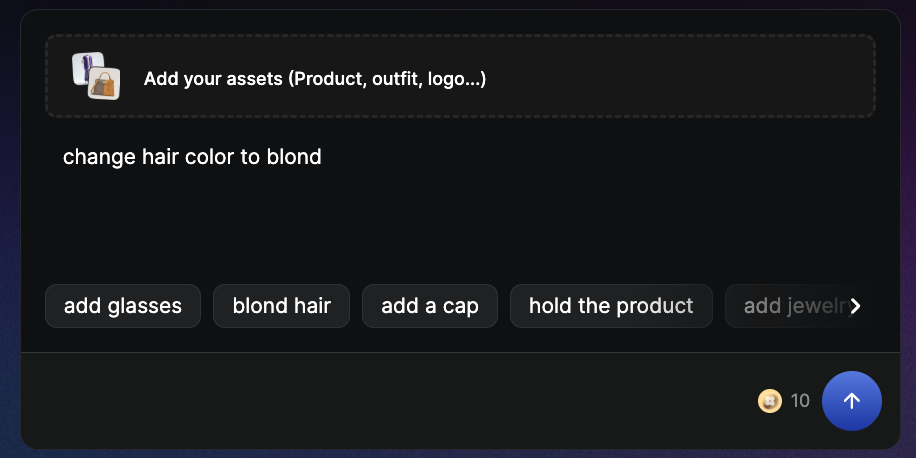
Examples:“change the color of this car to red”, “zoom out on this picture”, “change the haircut to a ponytail”.